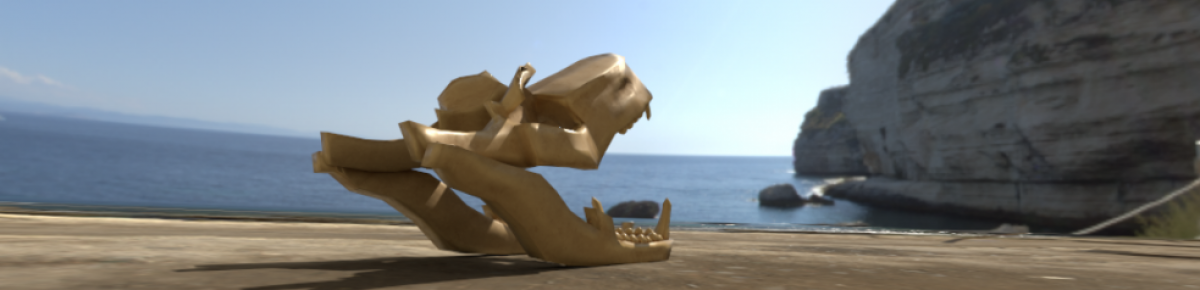

Today, with Gary, I started working on an introduction to my portfolio using Adobe After Effects. I worked with the Keylight function (to remove the green screen background), Screen Matte- Clip White and Clip Black (To remove all of the white/grey from the white of the character and I used Alpha Matte to insert the background into the character. After all of that I duplicated my character, named it “Edge Mask” and messed around with the Screen Shrink/Grow and Screen Softness in Screen Matte to create a blur effect on it. This then allows me to mess with the settings in Screen Matte to show more or less of the character through the background. Then I added the extra detail of the Next Gen Logo, the background and the spaceship.
 Matthew's Blog